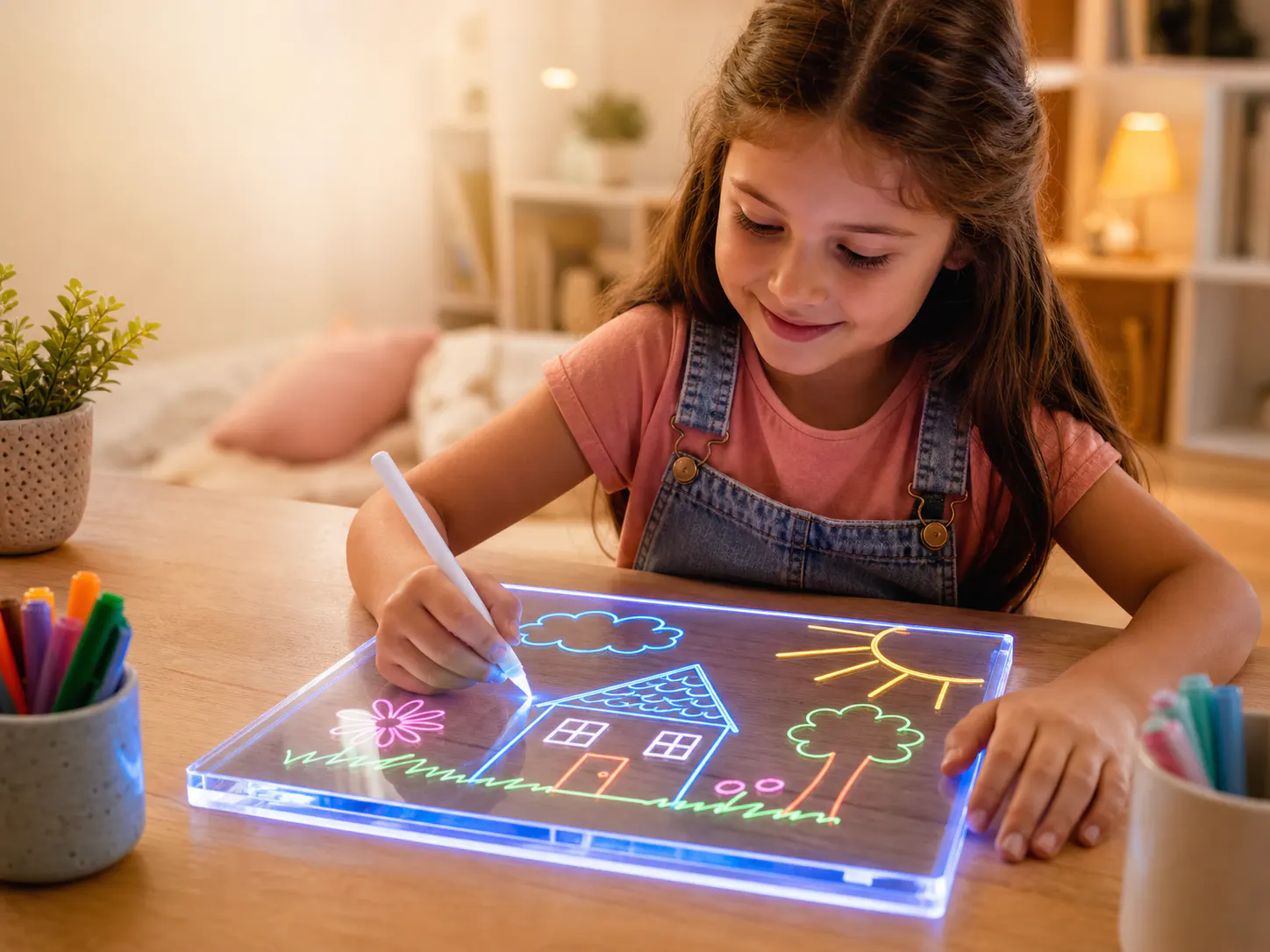
Compare the customer job, not only the drawing surface
LED fluorescent boards emphasize illuminated color and display-like creativity; LCD writing tablets emphasize direct writing and one-action screen clearing. The stronger B2B choice follows the channel and customer promise.
1. Start with the category job and retail promise
The formats should be compared by the experience a retailer intends to sell, because their visual stories, interactions, included tools, and display behavior are different.
An LED fluorescent board uses a clear acrylic panel, edge lighting, and fluorescent markers to create glowing line art. Its visible attraction comes from color, illumination, panel shape, and the way a completed drawing can remain on display. An LCD writing tablet typically presents marks directly on a pressure-responsive screen and clears the screen through its erase control. It is often explained through quick notes, sketches, repeated practice, or portable everyday writing. Neither category is universally better; each supports a different customer expectation.
Write a one-sentence retail promise for each candidate before comparing specifications. For example, a buyer might evaluate an illuminated creative display experience against a lightweight repeat-writing tool. Then identify where the product will be discovered: toy aisle, gift table, stationery assortment, education catalogue, online marketplace, or promotional range. This framing helps product, packaging, and listing teams judge whether the item's strongest behavior can be demonstrated clearly within the channel rather than relying on a feature list that obscures the central reason to buy.
| Decision lens | LED fluorescent board | LCD writing tablet |
|---|---|---|
| Primary visual story | Colored illuminated drawings on a shaped clear panel | Direct marks on a flat writing screen |
| Typical interaction | Draw with compatible markers and control the light | Write with a stylus and clear through the device control |
| Display potential | Finished art can function as a lit decorative object | Content is usually viewed as a practical screen entry |
| Key set items | Panel, base, markers, power components, and cleaning item | Tablet, stylus, and configuration-specific power component |
2. Compare drawing, clearing, and repeat-use workflows
A practical product review follows the complete user sequence from opening and setup through drawing, viewing, clearing, cleaning, storage, and the next session.
For an LED fluorescent board, reviewers should observe how the panel installs into the base, how power and light modes are controlled, how the supplied marker colors appear in lit and unlit conditions, and what cleaning method is described for the approved set. Marker handling, surface appearance after cleaning, and storage of the components all influence the experience. The buyer should avoid assuming that every marker or cleaning method is interchangeable; the supplier's documented configuration and the buyer's own product review should define the marketed set.
For an LCD writing tablet, review stylus retention, writing response across the screen, erase control behavior, lock functions if included, screen visibility in expected surroundings, and how the product returns to a ready state. Confirm the exact configuration rather than applying characteristics from another model. A side-by-side workflow video or observation sheet can reveal which item communicates its purpose faster, which requires more explanation, and which creates the kind of repeat interaction intended for the assortment. These are merchandising decisions, not unsupported developmental claims.
- Observe setup time and the number of components needed before drawing.
- Document how marks are created, viewed, cleared, and prepared again.
- Review storage for markers or stylus within the planned retail set.
- Record instructions needed to avoid customer confusion or misuse.

3. Document power, controls, consumables, and maintenance
The buyer should compare the exact operating configuration and replacement expectations, because generic category labels do not describe a specific model's controls or included components.
An illuminated acrylic board requires a defined light and power arrangement. The RFQ should identify the base, input, included cable or other component, switch or mode control, and any destination-specific questions the buyer must review. Marker supply and cleaning instructions also belong in the operating record. During sample assessment, use the complete approved set and record observations consistently. Do not infer electrical specifications, service life, or market suitability from appearance; request the relevant documentation and route technical decisions to qualified reviewers.
An LCD tablet may use a replaceable or integrated power arrangement for erase or related functions, depending on the selected model. Confirm what is fitted, what is supplied, how access is controlled, and what instructions accompany it. Compare the after-sale questions each format may generate: missing markers, unsuitable cleaning, misplaced stylus, erase misunderstanding, control lock confusion, or power-component replacement. Packaging and listing copy should explain only the confirmed configuration. Clear information reduces avoidable mismatches between the product shown online and the product received.
| Review area | Questions for both categories |
|---|---|
| Power | What arrangement is fitted, what is included, and which destination review is required? |
| Controls | Which actions are available and how are they described in the approved instructions? |
| Drawing tools | Which markers or stylus are included, retained, and shown in product imagery? |
| Reset and care | How does the product return to a ready state and what care method is documented? |
4. Evaluate shelf, listing, and demonstration requirements
LED boards usually need imagery that communicates illumination and color, while LCD tablets need imagery that makes writing visibility, portability, and clearing behavior immediately understandable.
A retail package for an LED fluorescent board must show the actual panel shape, lit drawing effect, complete set, and any base or cable that forms part of use. The strongest hero image may require controlled lighting, but it should still represent the approved product. On a shelf where the item cannot be powered, packaging carries much of the demonstration burden. Online, a sequence of unlit product, illuminated art, controls, set contents, and use context can explain the transformation without making exaggerated performance claims.
An LCD tablet package can often use a clearer functional sequence: write, view, clear, repeat. Buyers should still verify that the photography represents the chosen screen, bezel, stylus, controls, and colorway. Consider thumbnail legibility, comparison-chart simplicity, packaging depth, hanging or standing format, and whether the product can be safely demonstrated in store. Ask retail partners what assets they need before finalizing the range. A category that requires extensive explanation may be less effective in a channel with limited display support, regardless of its technical appeal.
- Test the primary product message at shelf-card and marketplace-thumbnail size.
- Show only the controls, accessories, colors, and effects in the approved configuration.
- Plan a demonstration sequence that works even when live display is unavailable.
- Match package structure and visual hierarchy to the retailer's fixture constraints.
5. Compare the complete commercial offer
Unit price alone is incomplete; buyers should normalize set contents, packaging, customization, tooling, quantity basis, carton data, service considerations, and evidence quality.
Build separate landed-offer models for the two categories using confirmed rather than assumed inputs. The LED board model may include shaped panel and base variants, marker assortment, inner protection, light-demonstration assets, and branded packaging. The LCD model may include screen size, bezel and stylus configuration, control features, power components, protective structure, and alternative artwork. Request the same commercial terms and quotation format where possible, but do not force unlike components into false equivalence. The goal is transparency about what each offer contains.
Consider operational implications that can affect the category decision. Review pack dimensions and count, product identification, replacement or accessory questions, return reasons anticipated from unclear instructions, artwork complexity, inspection checkpoints, and the retailer's ability to explain the item. These factors should be validated for the actual supplier and model; they are not universal category outcomes. Record which inputs are supplier statements, sample observations, internal assumptions, or pending evidence so the selection meeting can distinguish known facts from planning scenarios.
| Commercial input | Normalization action |
|---|---|
| Product scope | List the exact device, drawing tool, controls, and included components |
| Customization | Separate existing-model branding from structural or functional changes |
| Packaging | Compare approved retail structure, insert, print scope, and carton assumptions |
| Evidence | Track sample version, specifications, open questions, and planned inspection points |
6. Make the decision through an assortment scorecard
A weighted scorecard should connect product behavior to the intended buyer, channel, differentiation goal, content burden, operating workflow, and commercial plan.
Choose criteria before the final supplier presentations. Possible areas include clarity of customer proposition, strength of visual differentiation, fit with the planned retail fixture, ease of showing the product online, completeness of the sample and specification, packaging feasibility, operational questions, and role within the broader price and occasion architecture. Define what a high or low rating means in plain language. A numerical score without agreed definitions creates false precision and can hide the reasons different stakeholders reached different conclusions.
The result does not have to be a single-format choice. A retailer may use an LED fluorescent board as a visually distinctive gift or creative-display line and an LCD tablet as a functional writing or practice item, provided each has a clear place and the combined range is not confusing. If only one format is selected, retain the comparison evidence and rejected assumptions. That record helps the team revisit the decision when channel requirements, packaging constraints, or product configurations change without restarting from general category claims.
- Weight customer proposition and channel fit before supplier preference.
- Define score meanings and attach sample or document evidence.
- Allow distinct assortment roles when both formats earn a clear purpose.
- Record unresolved assumptions and the owner of each follow-up decision.
Frequently asked questions
What is the main difference between an LED fluorescent board and an LCD writing tablet?
An LED fluorescent board generally combines a clear shaped panel, edge lighting, and fluorescent markers to create glowing colored drawings. An LCD writing tablet generally shows stylus marks directly on a flat screen and clears through its device control. Exact functions depend on the selected configuration.
Which format is better for gift retail?
The answer depends on the intended gift story, recipient, shelf presentation, package, and selling price architecture. LED boards can support an illuminated creative-display proposition, while LCD tablets can support a practical repeat-writing proposition. Buyers should test both messages in their actual channel.
Which product is easier to maintain?
Do not generalize from category names. Compare the exact marker and cleaning workflow, stylus storage, control behavior, power arrangement, instructions, and replacement questions for the samples under review. The selected product should be supported by clear, confirmed care information.
Can a retailer carry both categories?
Yes, when each item has a distinct assortment role and the packaging makes the difference easy to understand. Define separate customer jobs, display stories, and set descriptions so the products add useful choice rather than appearing to duplicate one another.
Image planning for this topic
These notes document the role and intended context of the two visuals used in this guide.
Present the illuminated acrylic category in a controlled comparison setting.
- Placement
- hero
- Caption
- LED fluorescent board category reference for a B2B assortment comparison.
- ALT text
- Illuminated acrylic LED fluorescent drawing board in a product comparison
View AI image direction
High-end editorial comparison photograph focused on a shaped acrylic LED fluorescent board glowing with multicolor line art, complete base and marker set arranged beside it, neutral retail-planning studio background, accurate clear-panel reflections, understated LumDigi identity card, no people, no competitor branding, realistic product photography with open composition for comparison labels.
Show the alternative LCD writing-tablet category without implying identical use.
- Placement
- after-key-considerations
- Caption
- LCD writing tablet category reference used to compare customer jobs and controls.
- ALT text
- LCD writing tablet with stylus shown for a B2B category comparison
View AI image direction
Clean documentary product photograph of a generic unbranded LCD writing tablet with stylus, visible handwritten sketch and erase control, photographed on the same neutral retail-planning surface as a category comparison, accurate screen texture and proportions, no people, no invented certification marks, no competitor logo, subtle comparison notes and packaging mockup kept out of focus in the background.
Turn the article into a practical sourcing brief
Use the checkpoints above to document the product, evidence, packaging, and approval decisions relevant to your market. A clear brief helps suppliers respond to the same commercial question and gives your team a traceable basis for the next step.
Useful external references
- GS1 Product Image Standard
Primary guidance for consistent product-image identification and digital assets.
- CPSC business and manufacturing resources
Official U.S. business resource; destination-specific obligations need suitable qualified review.

LED Fluorescent Boards for Wholesale: A Buyer's Sourcing Checklist
Turn a promising illuminated drawing-board sample into a clearly specified, reviewable wholesale project with this buyer-focused sourcing checklist.
Read article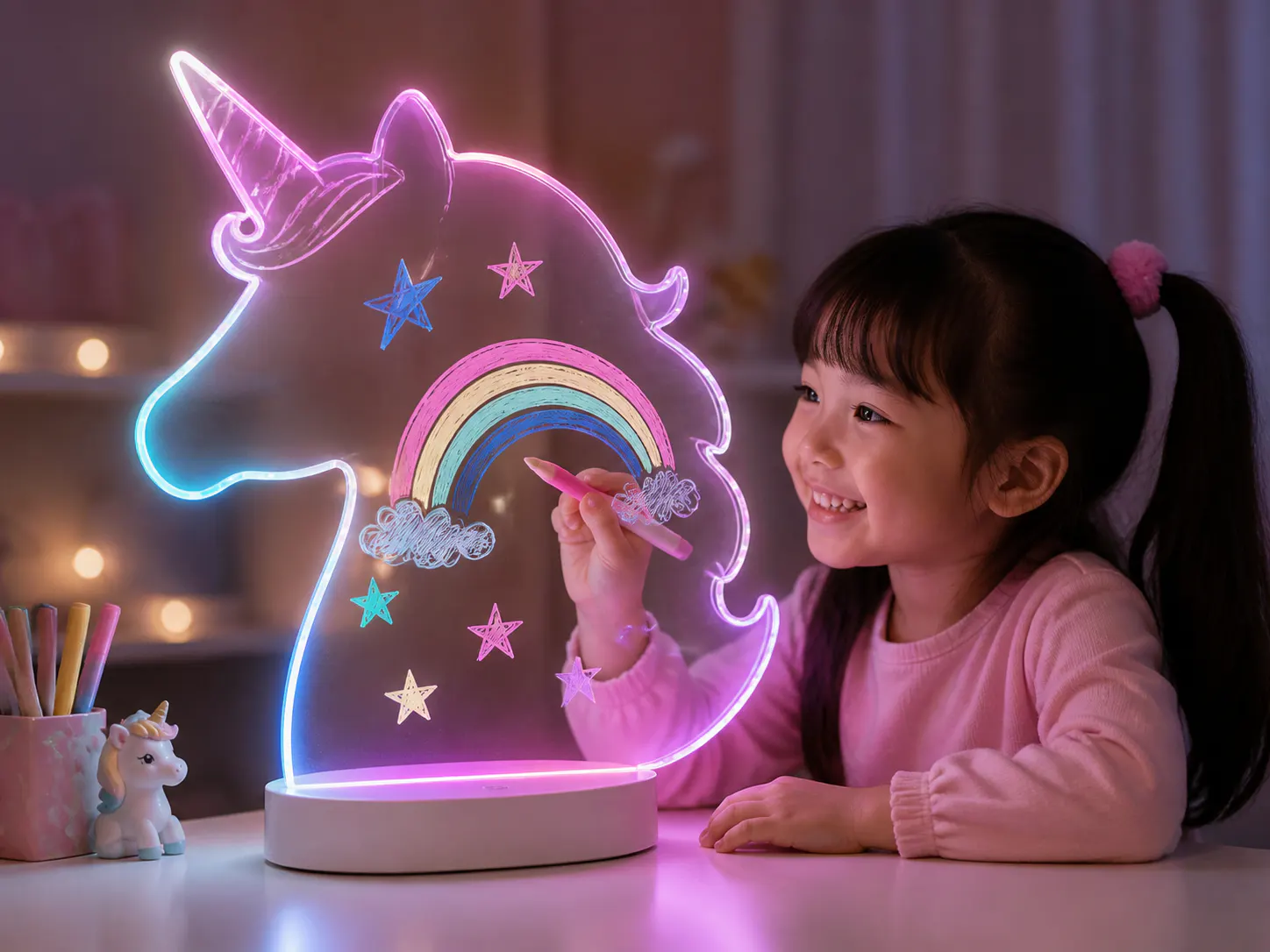
How to Build a Shaped LED Drawing Board Collection for Retail
Build a coherent collection by assigning each shape a customer and shelf role while sharing the product, packaging, and asset systems that make the range manageable.
Read article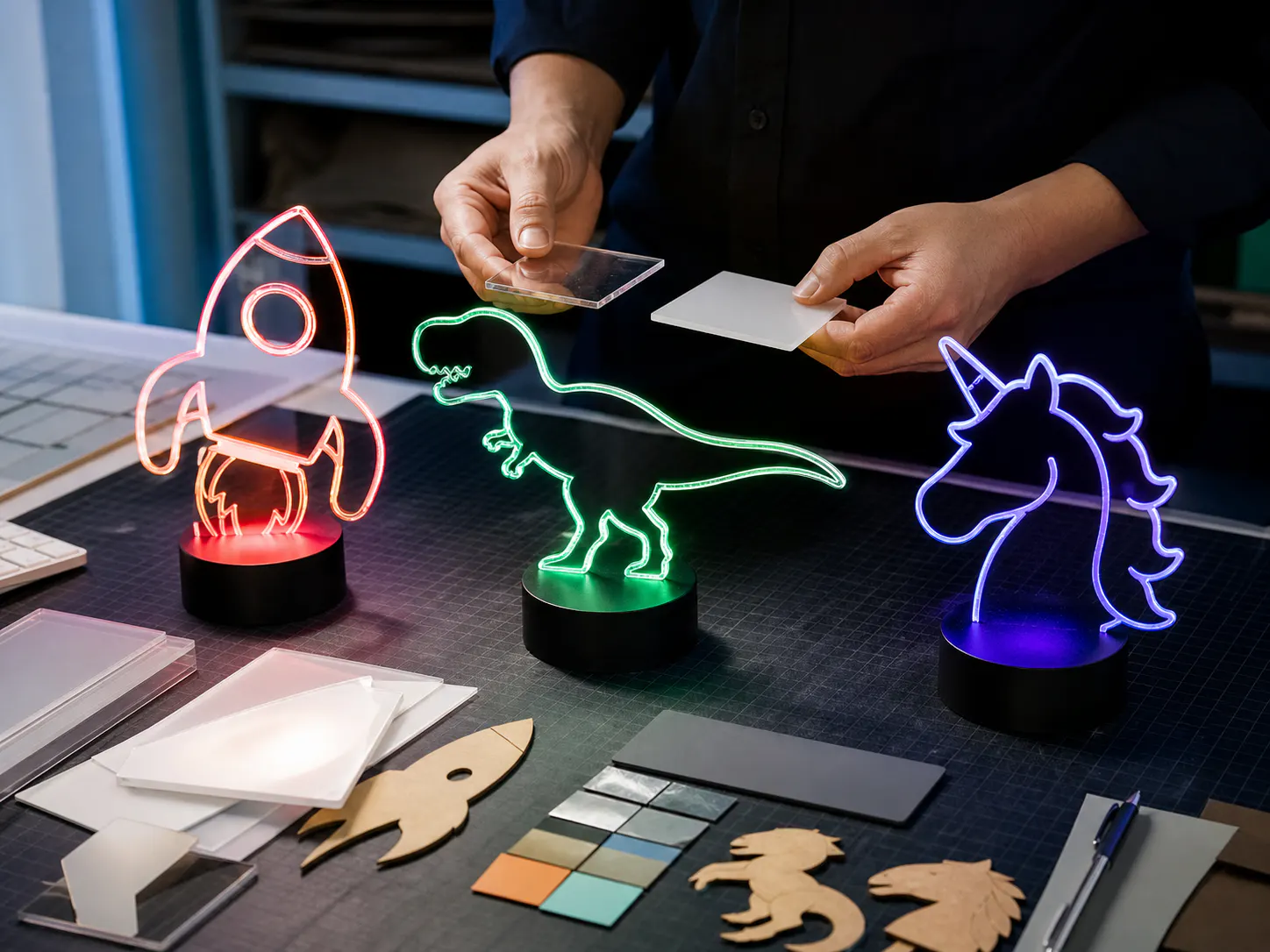
Acrylic LED Drawing Board Surface Care and Cleaning Guide for Buyers
A practical B2B guide for distributors and ecommerce sellers who need to prepare factual care guidance linked to the actual panel, marker and packed product.
Read article
Great Britain vs Northern Ireland: LED Drawing Board Importer Requirements Compared
A B2B buying guide for UK importers, retailers, marketplace sellers, and distributors selling into GB and NI who need to map each UK destination to its actual product marking, economic-operator, label, and technical-documentation route before approving packaging or sales listings.
Read article