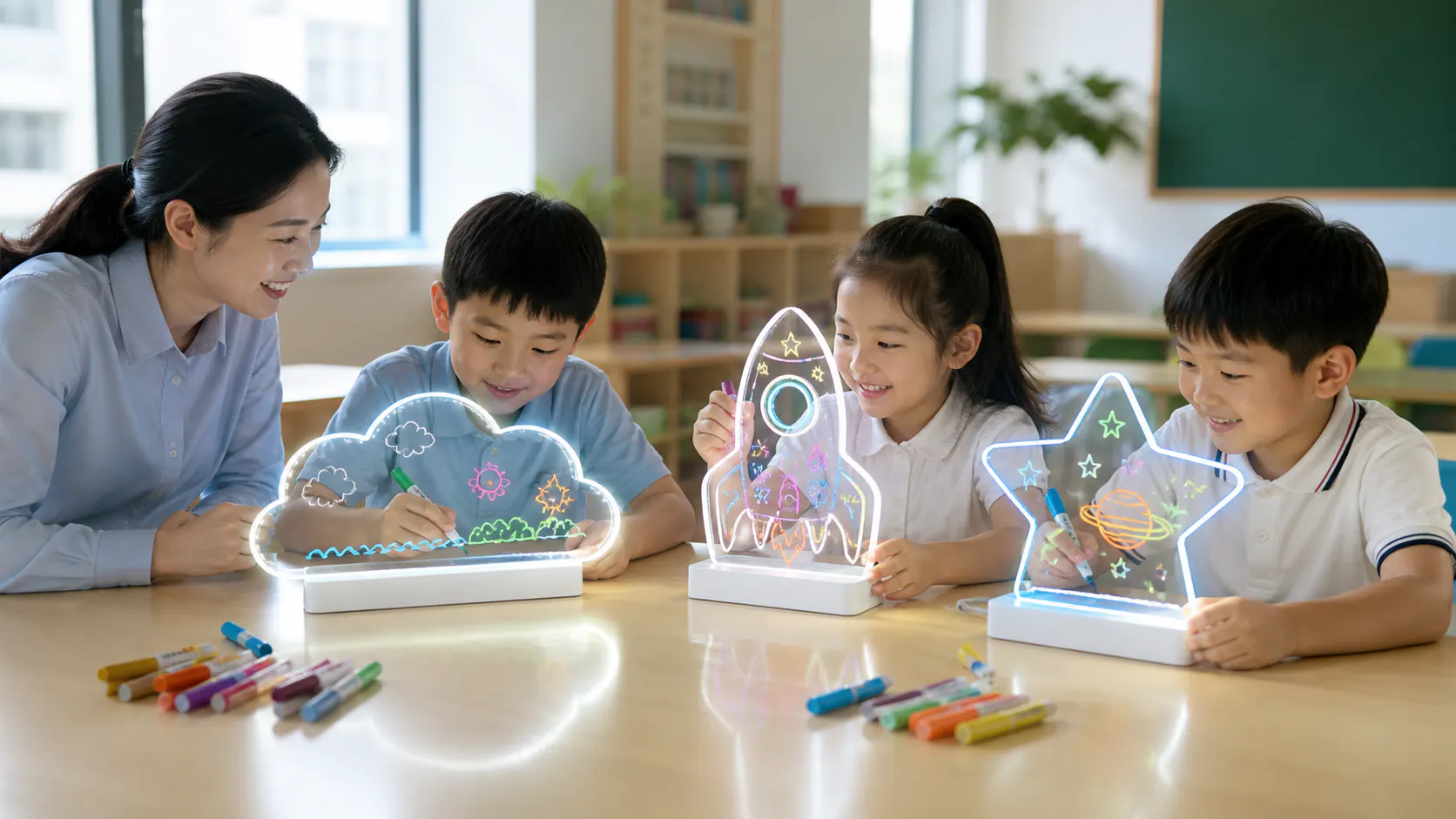
Select the board around a supervised activity plan
Group settings need a clear activity objective, adult supervision, manageable components, repeatable setup and care, storage discipline, and product information reviewed for the intended market.
1. Define the supervised activity before selecting a board
Start with what participants will make, how adults will guide the session, how long stations remain open, and how completed drawings are shared or reset.
Describe whether the board supports individual drawing, rotating creative stations, themed prompts, name-card displays, group demonstrations, or take-home gifts. Record participant group, room lighting, table arrangement, number of facilitators, storage access, cleaning transition, and whether artwork remains displayed. Avoid claims about learning or health outcomes unless the buyer has appropriate evidence; the observable value is a colorful drawing and presentation activity managed by adults.
Describe one planned session from arrival to cleanup before evaluating samples. Record whether children will copy prompts, make short free drawings, rotate through stations, or use the boards during a facilitated event; note the group size, adult supervision, available table space, session length, room lighting, and storage between uses. The intended activity determines whether a decorative silhouette, larger usable area, simple control sequence, or compact footprint matters most. Keep educational or developmental claims outside the purchasing brief unless the buyer has appropriate evidence and review. The product decision should rest on observable requirements such as visibility, handling, setup, and repeatable group management. A supplier can then recommend or sample the exact configuration against a real classroom workflow rather than a broad request for an 'education model.'
- State activity format, group size scenario, and supervision plan.
- Map setup, drawing, display, cleaning, and storage steps.
- Identify room, table, power, and movement constraints.
- Separate observable use from unsupported developmental claims.
2. Choose a group-friendly product configuration
Compare drawing area, panel shape, base stability, controls, power arrangement, marker set, component count, and visual identification under the intended table layout.
A decorative silhouette may engage a themed activity, while a simpler panel may offer a more practical shared drawing area. Review how the panel seats, where controls and cables sit, whether adjacent stations interfere, and how markers are assigned. Color-code or number sets operationally if that helps return components. Confirm the exact product information and destination review rather than assuming a consumer set is automatically suitable for institutional use.
Evaluate the complete station, not only the acrylic panel. Check how the base occupies shared table space, where the specified power connection sits, how markers are identified and distributed, whether the control sequence can be shown quickly, and how the panel is lifted without contacting another station. Use identical sample sets for a pilot so facilitators are not troubleshooting several configurations at once. If different shapes are part of the activity, keep the base, controls, markers, and care routine consistent where the physical product allows. Record the intended age and supervision context for the buyer's qualified review rather than assuming suitability from appearance. The group configuration should minimize preventable setup decisions while preserving the visible creative effect that makes the illuminated board useful for the session.
Create a station bill of contents that covers what remains at the table and what stays with the facilitator. Number or color-code markers and cleaning items only if that system is also practical to repack. Test whether neighboring participants can reach controls without moving another board and whether the illuminated drawing remains visible under normal room light. If the activity rotates groups, observe the reset step between participants and decide whether staff need an extra cloth, marker check, or dry area. These findings define procurement quantities and storage needs more reliably than choosing the largest drawing surface available.
| Configuration area | Group-use question |
|---|---|
| Panel and base | Is the drawing area accessible and the base stable in the planned layout? |
| Controls and power | Can facilitators set up and monitor connections consistently? |
| Markers | Can colors be issued, counted, and returned between sessions? |
| Identity | Can staff match each panel, base, and storage position? |
3. Design setup, cable management, and storage
The operating plan should show where boards are stored, who installs them, how power components are managed, and how sets return to a complete condition.
Use trays, sleeves, dividers, or labelled positions suited to the approved product so clear panels do not rub against one another and markers do not migrate between sets. Route cables or power components according to the venue's own safety process and supplier instructions. Create a setup count and end-of-session count. Damaged, missing, or uncertain items should move to a defined hold location rather than returning automatically to the next group.
Draw a room plan showing table locations, adult access, product spacing, specified power routing, marker distribution, cleaning point, drying or reset area, and the path to storage. Trial the setup with the exact quantity intended for a group, because a single uncluttered demonstration table does not reveal cable crossings or component mix-ups. Assign each set a code and store its panel, base, markers, and approved power item together in a divided container that protects shaped edges. Photograph the packed classroom kit so staff can restore it after use and identify missing pieces. Any electrical, facility, or safeguarding requirements remain subject to the institution's responsible review; the supplier product information is an input to that process, not a substitute for site procedures.
Label the storage map with maximum container loading and orientation based on the approved physical arrangement, not on a generic stack diagram. Acrylic outlines should not bear the weight of bases or marker boxes, and decorative tips should have dedicated clearance. Keep an issue log inside the kit for missing caps, surface damage, or a set held out of use, so the next facilitator does not discover the problem during a live session. A simple check-out and return record also shows which components moved between stations and supports factual replenishment decisions without attributing every loss to product quality.
- Assign protected storage positions for panels, bases, and accessories.
- Document facilitator setup and shutdown responsibilities.
- Count markers and components before and after each session.
- Create a hold-and-review path for damaged or incomplete sets.
4. Establish an approved drawing and care routine
Use the documented markers and care method for the selected surface, and verify the routine through a supervised pilot before wider program use.
Demonstrate how much marker is needed, how drawings are viewed under selected light modes, and how the panel is cleared using the supplier's documented approach and the buyer's review. Avoid unapproved cleaners or tools. Facilitators should observe residue, scratching, marker condition, and panel damage factually. Keep instructions accessible and define when a panel or marker is removed from service pending review.
Create a short facilitator card based on the supplied markers, cleaning accessory, protective-film status, and accepted sample. Demonstrate how much ink is needed for visible lines, where hands should hold the panel during removal, which materials belong to the approved routine, and how a board is checked before returning to storage. Trial the routine after several drawings during the pilot and record actual observations such as residue, marker cap mix-ups, or contact between damp surfaces and packed accessories. Do not introduce unreviewed cleaners because they may affect acrylic appearance or printed decoration. A numbered checklist for count, wipe, dry, inspect, and repack gives staff a consistent handover and lets the buyer distinguish a product issue from a setup or care step that was never communicated.
| Routine stage | Facilitator control |
|---|---|
| Issue | Confirm complete, correct board and marker set |
| Use | Supervise drawing, controls, and table organization |
| Care | Follow the approved surface and marker procedure |
| Return | Inspect, count, record, and store or hold |
5. Pilot the exact set before program procurement
A controlled pilot should test the product, room workflow, adult instructions, component control, storage, and reset process using the same configuration intended for purchase.
Choose a limited supervised session and define the questions in advance. Record setup effort, station flow, instruction clarity, participant handling observations, marker and accessory control, cleaning transition, damage or confusion, and storage return. Do not convert a small pilot into general outcome claims. Use it to refine the operating brief, product specification, pack allocation, spare-component policy, and procurement questions before committing to a wider program.
Run the pilot with the exact board, base, controls, markers, cleaning item, storage container, and facilitator instruction proposed for procurement. Observe how long setup actually takes, where participants need help, whether stations remain identifiable, how components return to their sets, and what staff need to store or replace. Collect structured notes from facilitators rather than relying on children's enthusiasm as purchasing evidence. Convert useful observations into requirements: a clearer set label, revised component tray, different marker assortment, or a change in planned station count. Then request quotations against the revised group bill of contents, packaging for institutional receiving, and any spare or replacement information the buyer wants. The pilot informs a controlled purchase; it does not establish universal classroom outcomes or formal product suitability.
Close the pilot with an inventory reconciliation and a staff debrief conducted after the room is restored. Count panels, bases, approved power items, markers, cloths, printed instructions, and storage dividers; note which items were hard to match or protect. Ask facilitators to separate product observations from scheduling, room-layout, and supervision issues so the purchase brief changes the right thing. Photograph the final stored kit and attach the updated setup card. Procurement can then specify both the retail product configuration and the institution-specific grouping or overpack needed to receive, label, distribute, and store multiple sets consistently.
- Pilot the production-intended configuration and documented care method.
- Observe the complete room workflow, not only drawing appeal.
- Record operational findings without overstating participant outcomes.
- Update procurement, storage, training, and replacement plans from evidence.
Frequently asked questions
Are LED fluorescent boards suitable for classrooms?
They can support supervised creative activities when the exact product, intended participants, destination requirements, room setup, power arrangement, marker use, care, and storage are reviewed by the purchasing organization.
What configuration works best for group use?
There is no universal configuration. Compare drawing area, shape, base, controls, component count, markers, identification, storage, and station layout through a supervised pilot.
How should boards be cleaned between sessions?
Follow the documented method for the selected panel and marker set, validate it during the buyer's pilot, keep unapproved cleaners away, and remove damaged or uncertain items for review.
What should a classroom pilot measure?
Observe setup, instruction clarity, station flow, component control, drawing and reset workflow, storage return, and operational exceptions. Avoid turning a limited observation into unsupported learning or performance claims.
Image planning for this topic
These notes document the role and intended context of the two visuals used in this guide.
Show a supervised group drawing activity with appropriate product context.
- Placement
- hero
- Caption
- A planned station layout makes illuminated drawing activities easier to supervise.
- ALT text
- Chinese children using LED drawing boards in a supervised classroom
View AI image direction
Authentic classroom editorial photograph with Chinese children seated at organized activity tables using different shaped acrylic LED fluorescent drawing boards, two Chinese adult facilitators supervising setup and marker handling, subtle LumDigi logo on storage trays and facilitator lanyards, realistic daylight and warm illuminated drawings, complete bases visible, no competitor brands, respectful candid scene, no exaggerated expressions or unsupported educational claims.
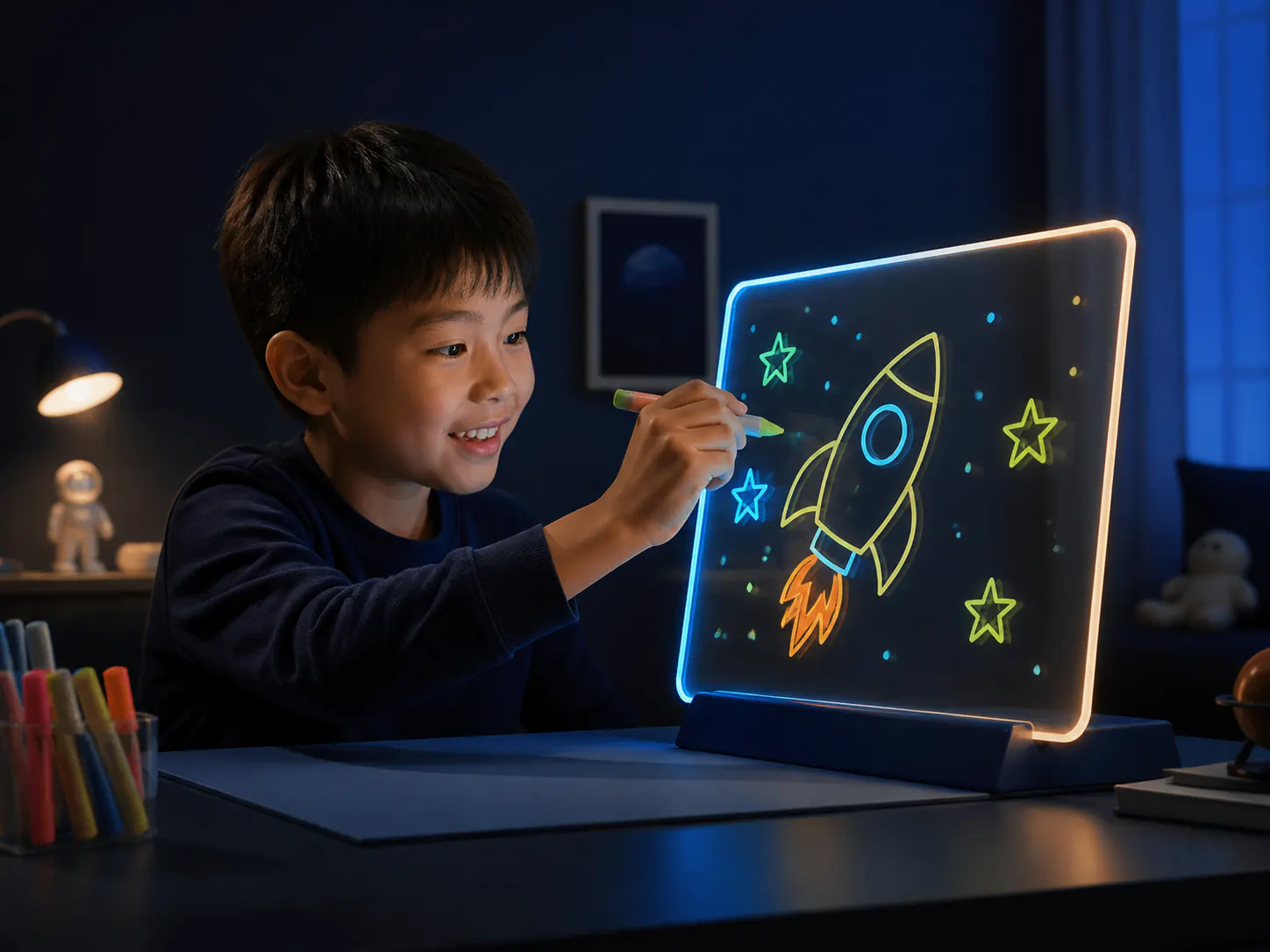
Show a practical drawing-area option for structured activity planning.
- Placement
- after-key-considerations
- Caption
- A simple panel configuration can be evaluated against station and storage needs.
- ALT text
- A4-style acrylic LED fluorescent drawing board with organized markers
View AI image direction
Clean product-detail photograph of an A4-style acrylic LED fluorescent drawing board in a stable base, fluorescent markers arranged in a numbered classroom tray, simple activity prompt and storage sleeve nearby, understated LumDigi mark, no people or competitor branding, realistic transparent panel and illuminated lines, neutral educational-supply styling, landscape composition.
Turn the article into a practical sourcing brief
Use the checkpoints above to document the product, evidence, packaging, and approval decisions relevant to your market. A clear brief helps suppliers respond to the same commercial question and gives your team a traceable basis for the next step.
Useful external references
- GS1 Product Image Standard
Primary guidance for consistent product-image identification and digital assets.
- CPSC business and manufacturing resources
Official U.S. business resource; destination-specific obligations need suitable qualified review.

LED Drawing Board Quality Control Checklist Before Shipment
Convert the approved sample and order specification into a practical inspection plan covering product identity, visible workmanship, function, contents, packaging, and reporting.
Read article
How to Build a Shaped LED Drawing Board Collection for Retail
Build a coherent collection by assigning each shape a customer and shelf role while sharing the product, packaging, and asset systems that make the range manageable.
Read articleWhich Use Cases Is a LED Acrylic Drawing Board Best Suited For?
A practical buyer guide to LED acrylic drawing board uses decisions, with clear questions for product fit, specifications, proof, and everyday care.
Read articleWhich Use Cases Is a LED Drawing Board Best Suited For?
A practical buyer guide to LED drawing board uses decisions, with clear questions for product fit, specifications, proof, and everyday care.
Read article